

Technologies
Technologies Backend: Python · FastAPI · UvicornScraping: PlaywrightDatabase: SQLite · SQLAlchemyFrontend: HTML · CSS · JavaScript · Jinja2 · GSAPConfig: PyYAMLHTTP/Imaging: requests · Pillow
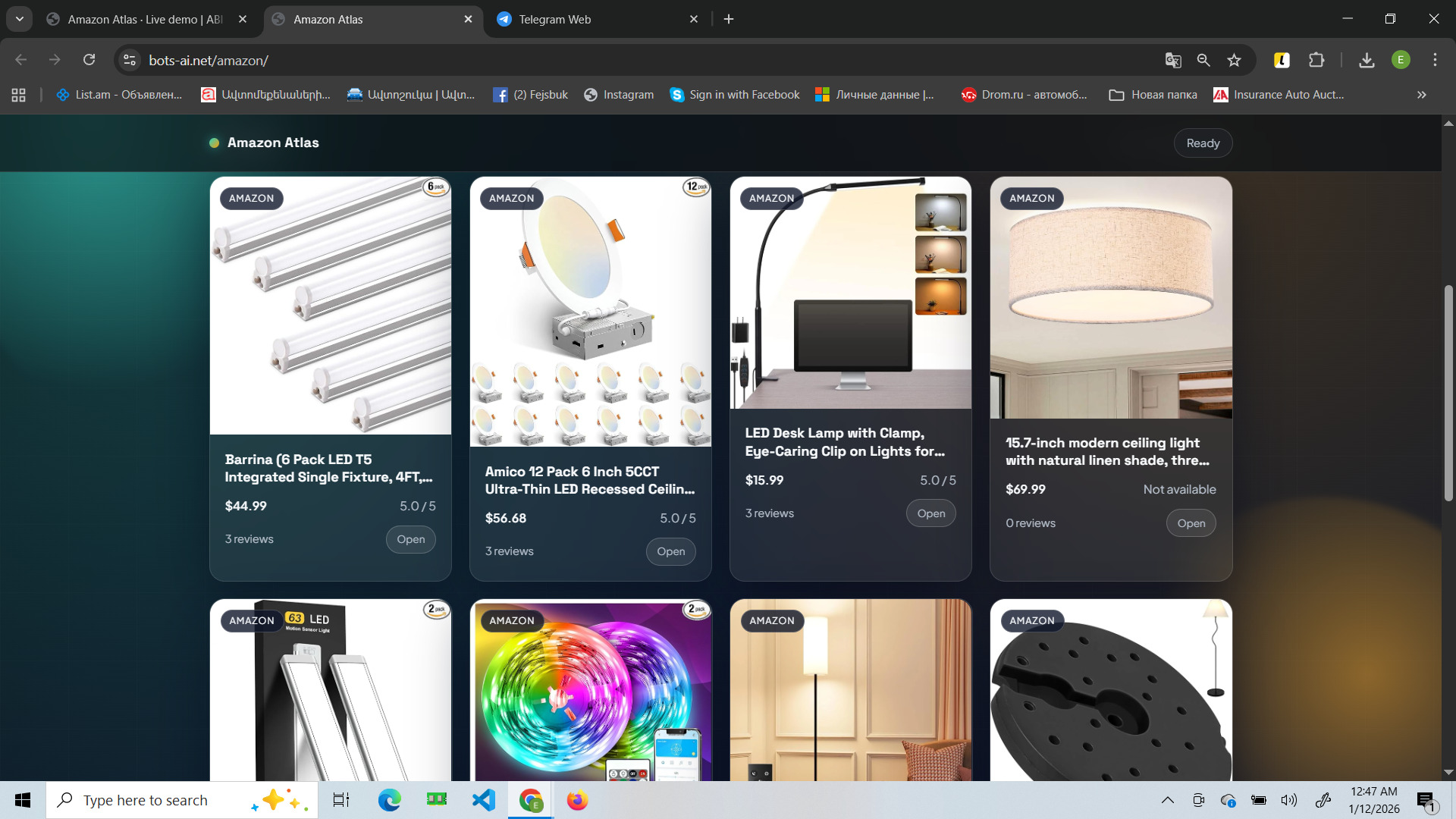
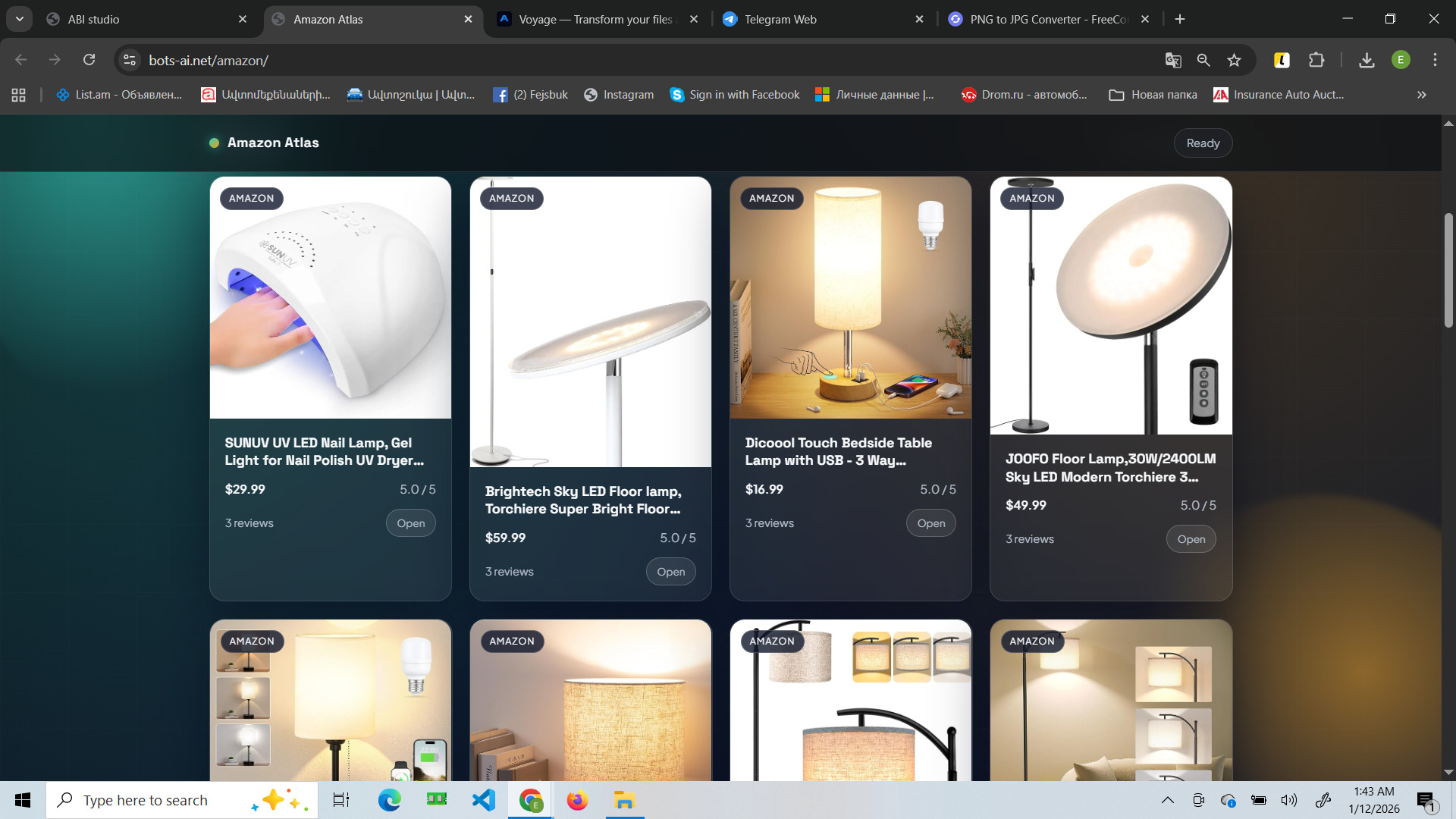
This site is a web tool for searching products on Amazon and pulling “live” data via scraping directly in the interface. You enter a keyword or paste a product URL, and the system fetches and displays results as cards with the key signals: price, rating, and review count.
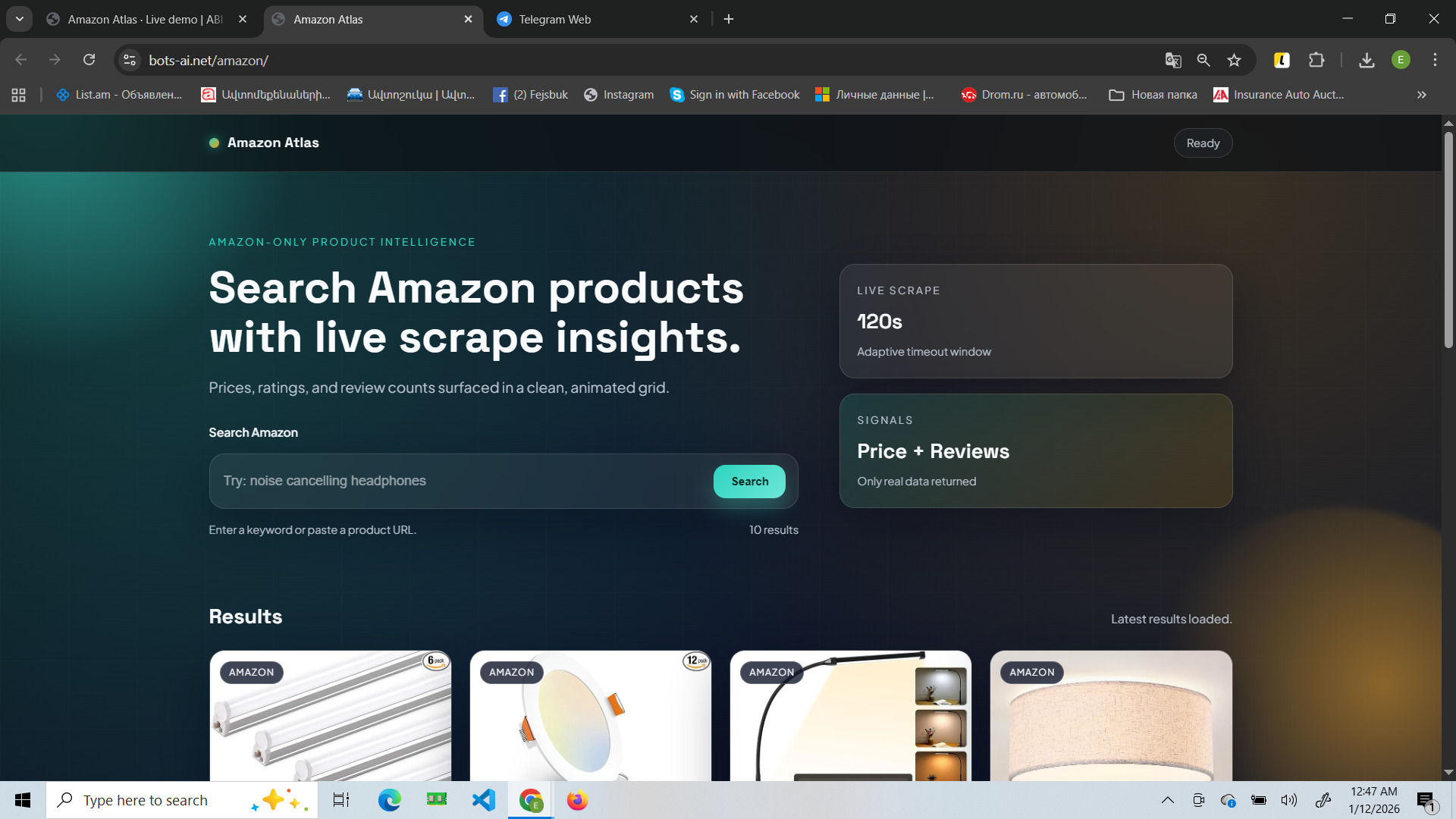
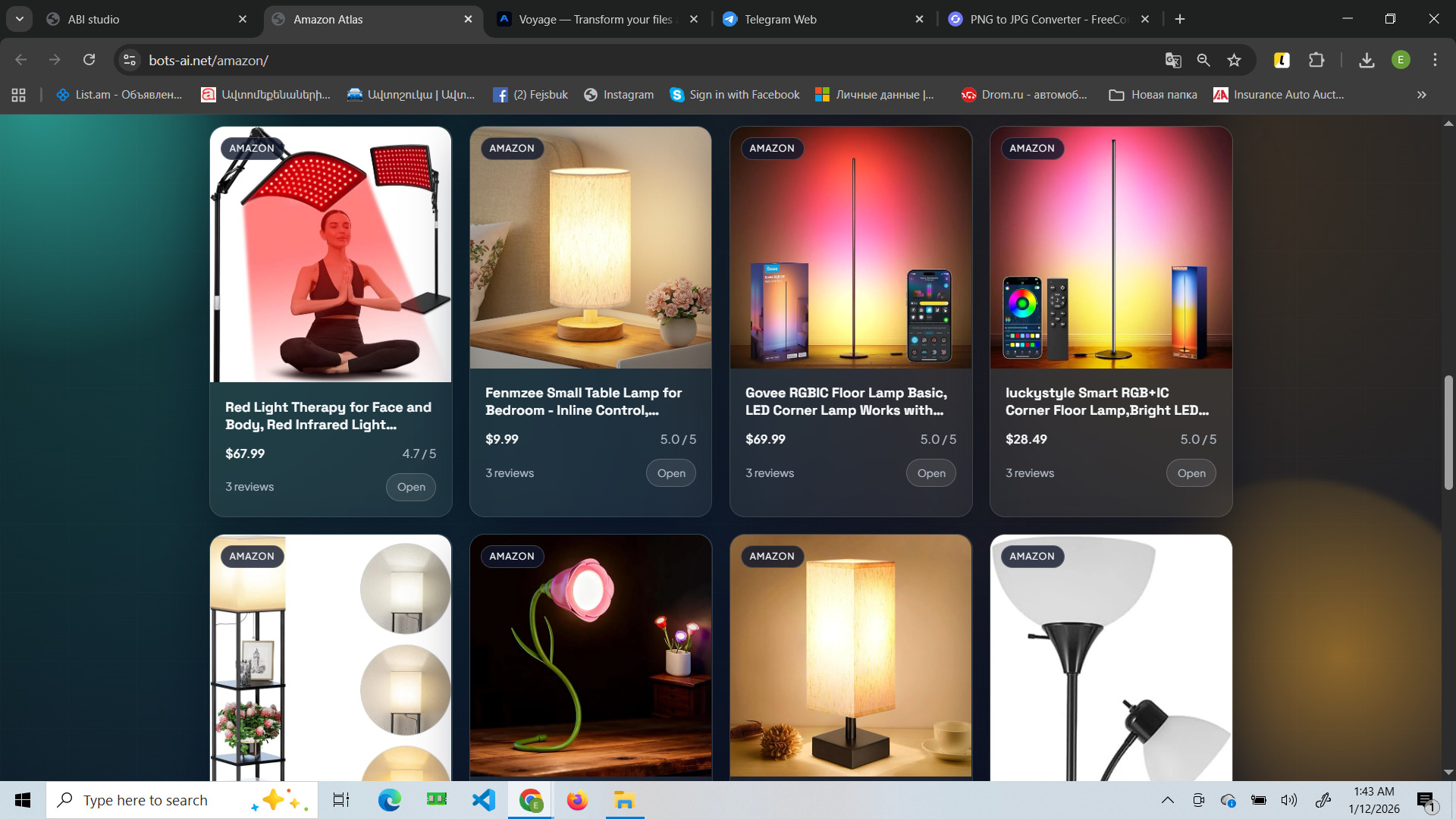
Open the Amazon Atlas site in your browser.
Enter a keyword (product name).
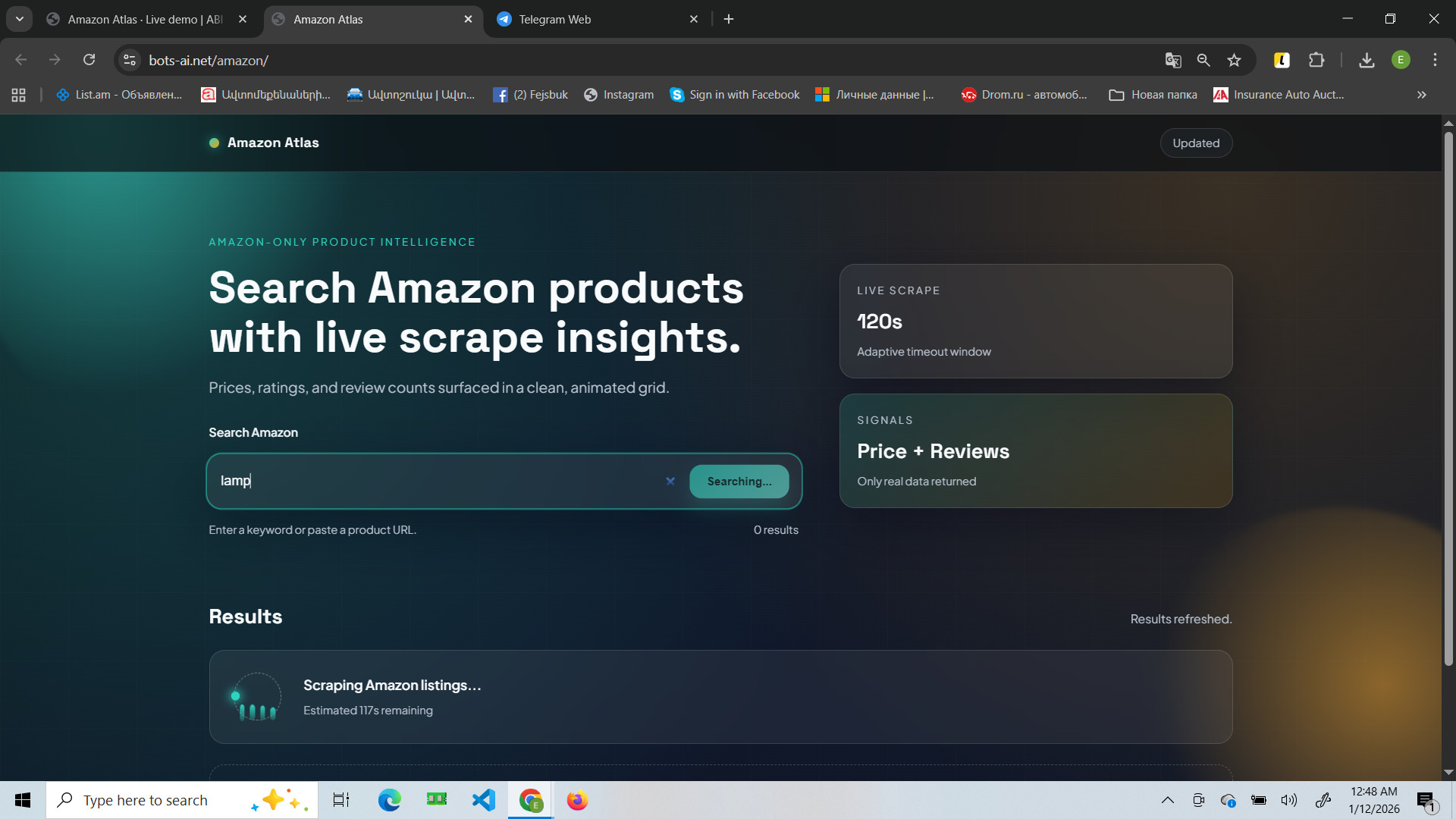
Click Search / Scrape to start.
Wait for the data pull to finish (live scrape can take up to ~1–2 minutes).
Review the result cards: price, rating, and review count.
Open a specific item/card to verify details for that product.